![logo.svg]](https://help.localistico.com/hubfs/logo.svg)
If a Localistico user has forgotten the password and cannot enter to Localistico, please follow these steps:
1. Go to Localistico logging page and click on "Forgot password?":
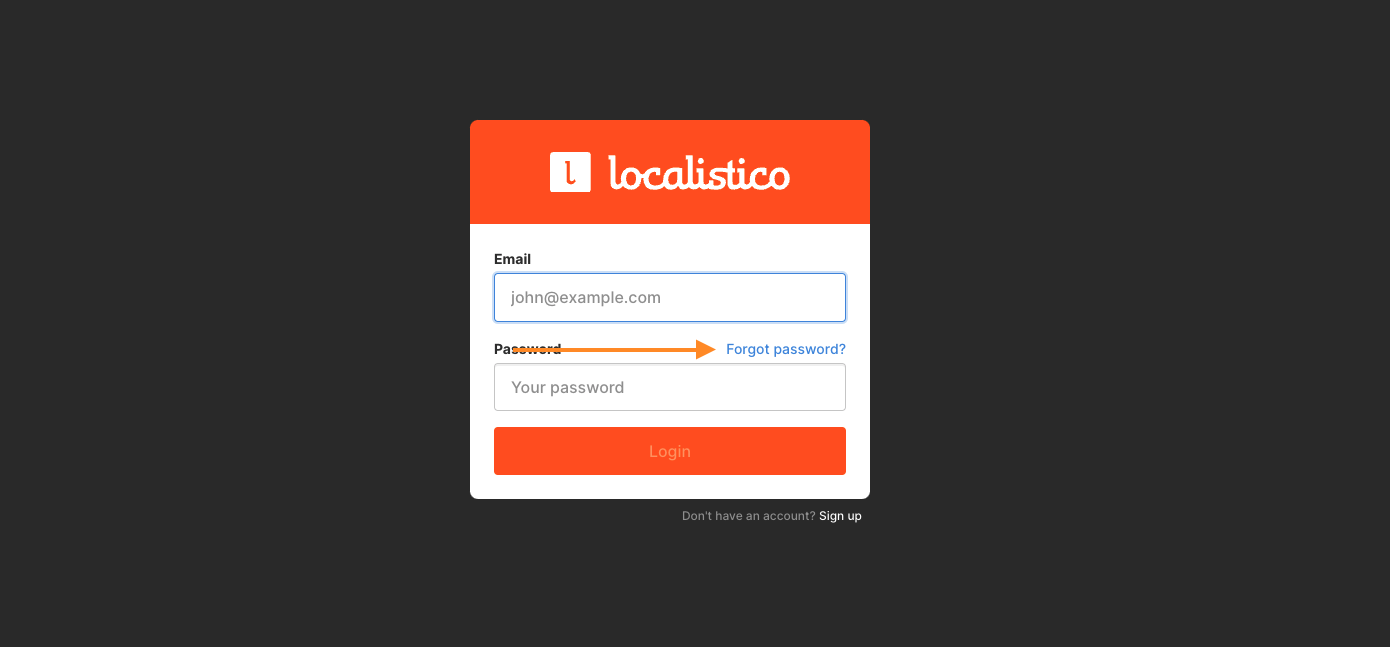
2. Add your user email and request a link to set a new password.
If you don't receive an email from Localistico, please first check that:
- the email is not in spam
- your company is not blocking emails coming from Localistico
If that doesn't work, an account admin can delete the old user and create a new one. Please see these articles to know how to delete a user and how to create a new one.