
1. I forgot my password
If a Localistico user has forgotten the password and cannot enter to Localistico, please follow these steps:
1. Go to the Localistico logging page and click on "Forgot your password?":
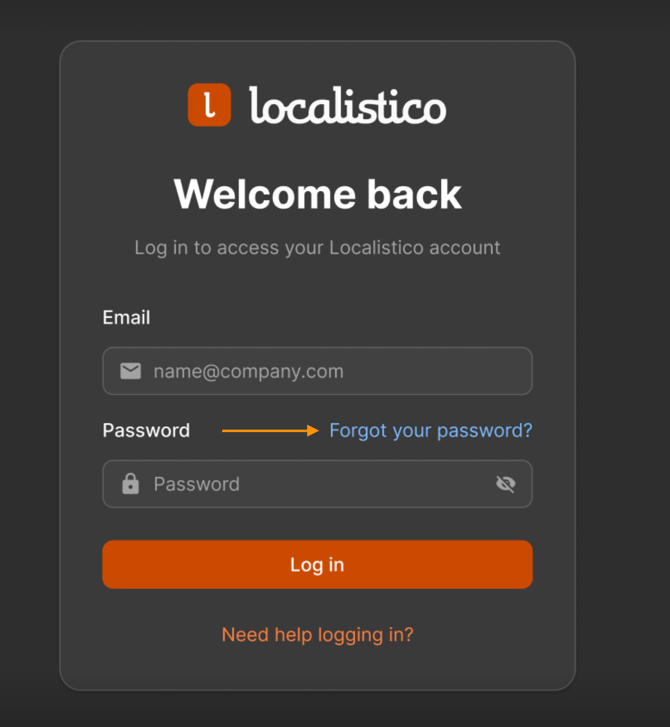
2. Enter your email address and request a link to reset your password.
2. I can't reset my password
If you don’t receive the password reset email from Localistico, first check that:
-
The email hasn’t gone to your spam folder.
-
Your company isn’t blocking emails from Localistico.
If this doesn't work, an account admin can delete the old user and create a new one. Please see these articles to know how to delete a user and how to create a new one.
3. I'm not sure if I have an account
Check with your organisation or account admin to confirm if a Localistico account exists for you. If not, they can create one by following these instructions.
4. My organisation uses SSO
If your organisation uses Single Sign-On (SSO) and you don’t know your login details, contact your organisation’s admin to request access or create your account.