
At the moment, Google offers to create following types of posts:
Offer
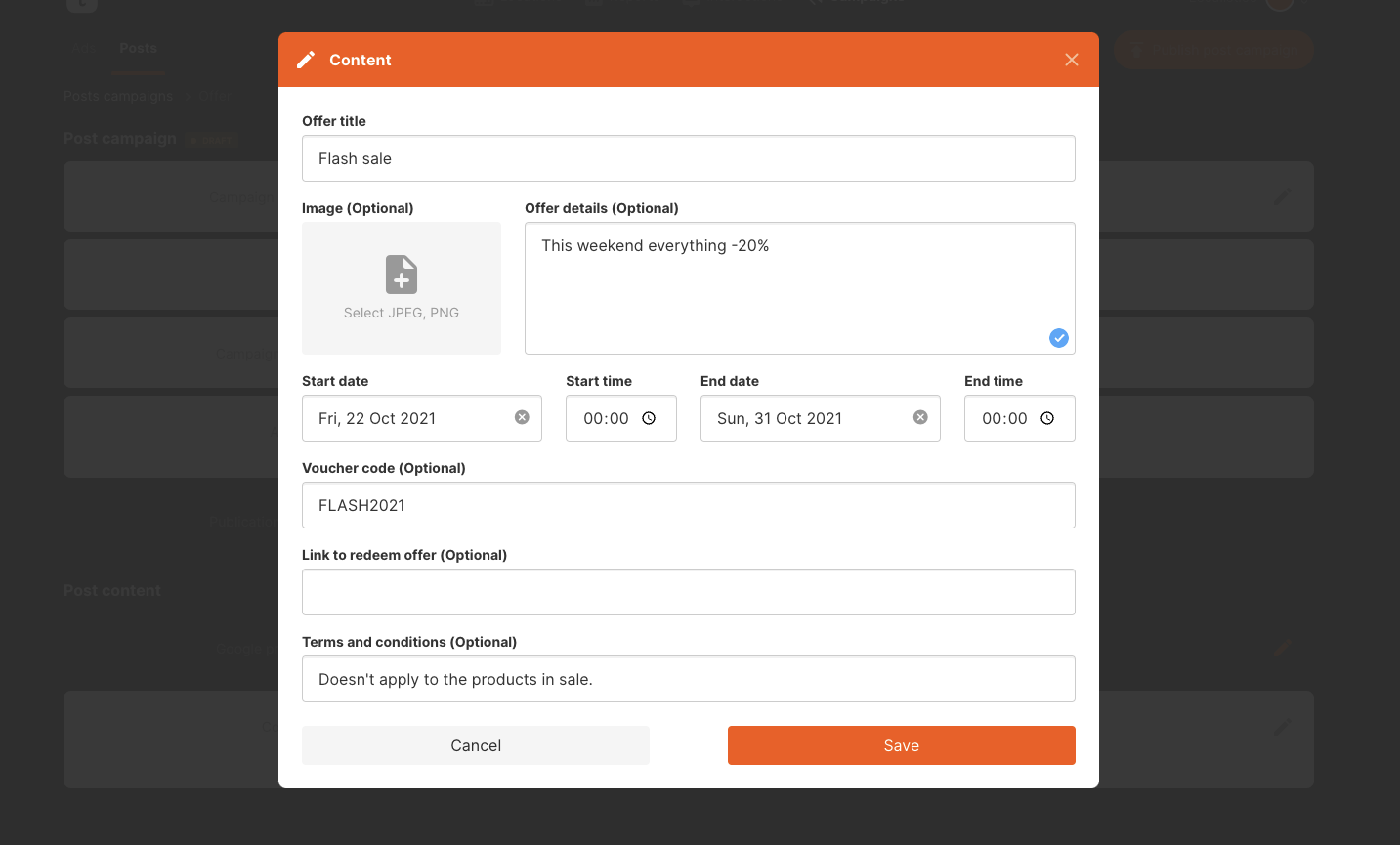
Offers allow informing your customers about different promotions and campaigns. Some businesses use this to boost the sales during a weekend or to increase the sales of a specific product. Promotions allow you to set the title, image (optional), text content (optional), the start date and the time, the end date and the time, voucher code (optional), a link to redeem offer (optional) and terms and conditions (optional.)
Update
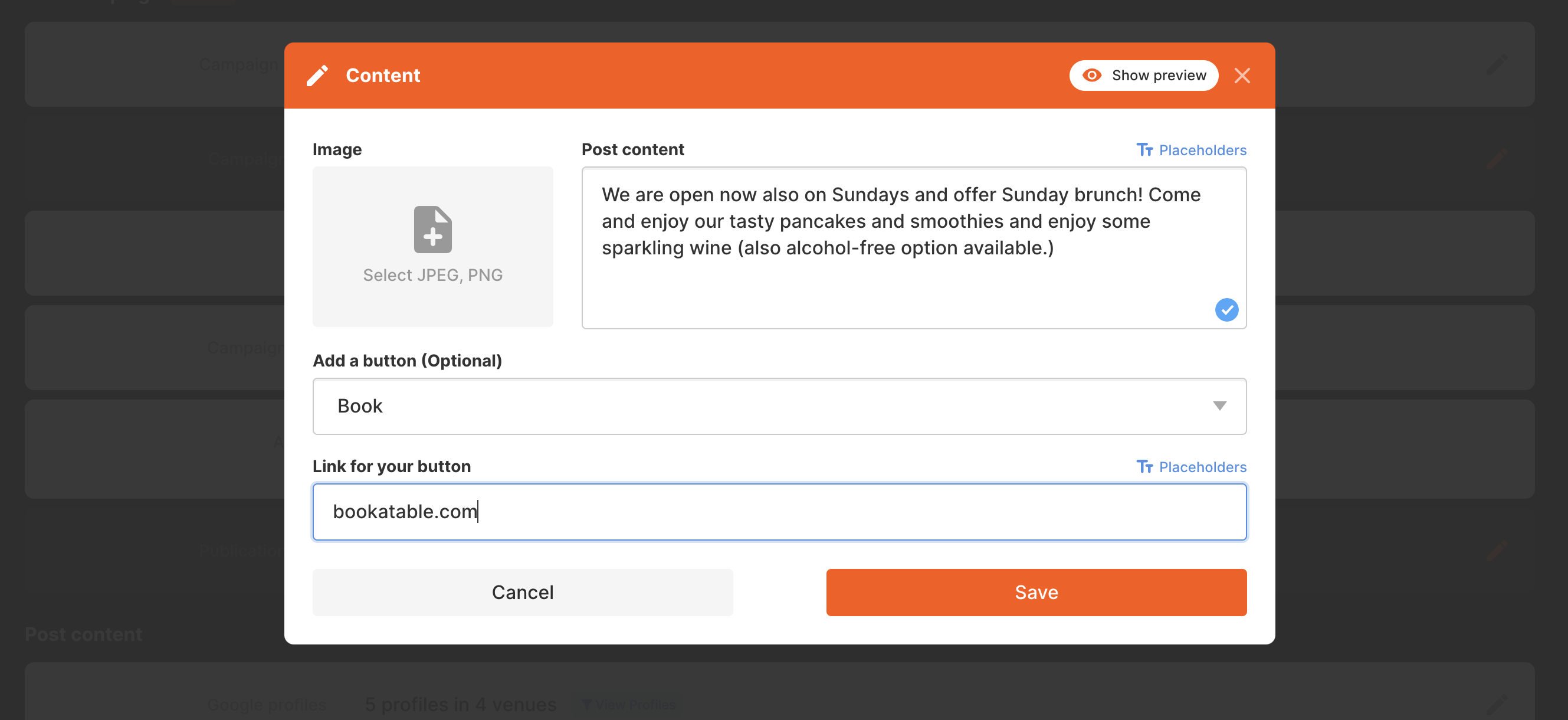
Updates are used to communicate freely about your business. Tell the customers something interesting about your business or remind them about something that your business offers! Updates allow you to add a photo (optional), text content and an action button with a link (optional.)
Event
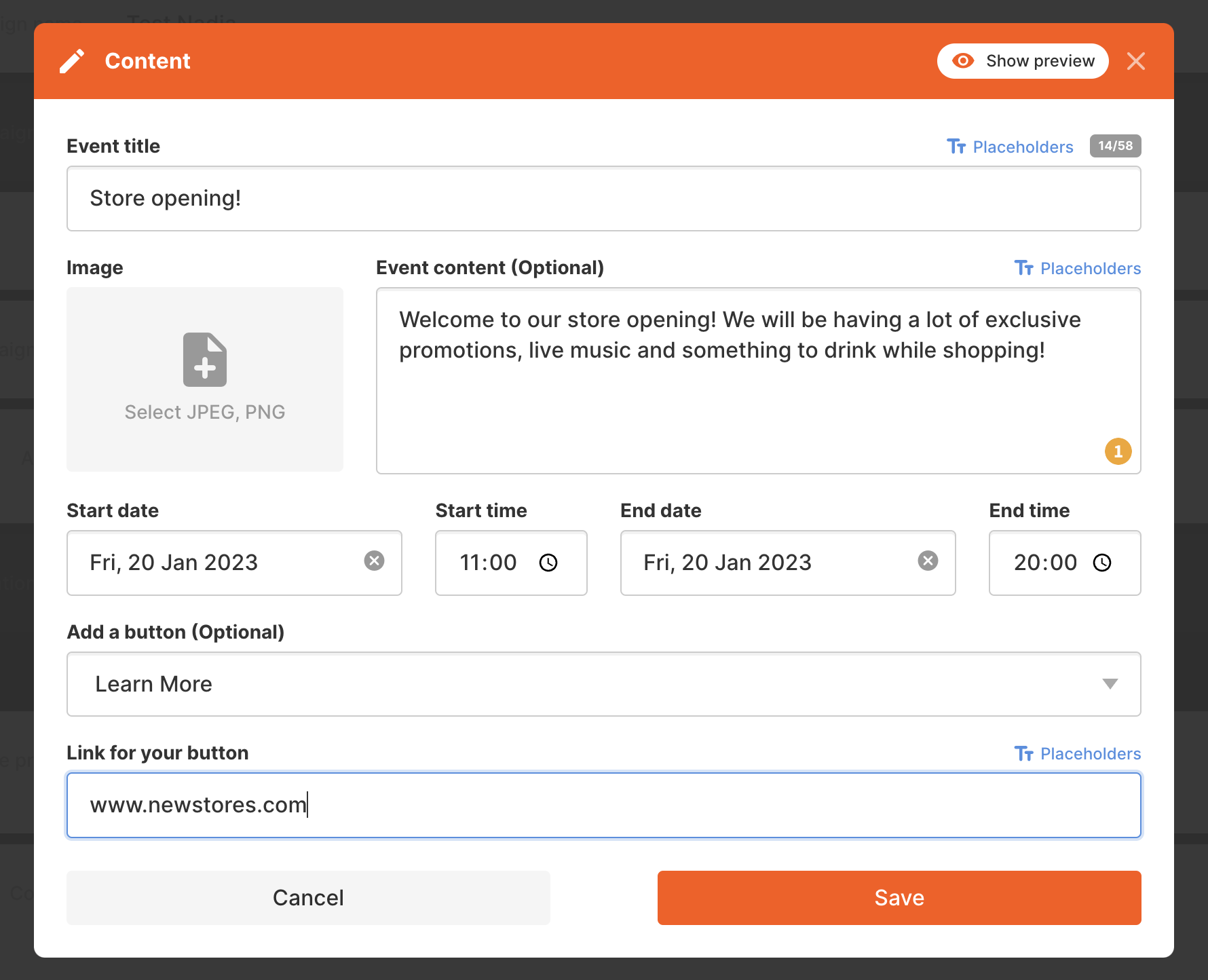
Event post type allows you to promote an event in your business. It requires a title, start date and the time and ending date and the time. Optional content is a photo, text content, call-to-action button and the link.
Why is my Event post Live but not showing on Google Maps and Search?
Google decides when to show an Event post publicly based on the event’s start date, not the date the post was published.
For example, if you publish an Event post on 1 October for an event starting on 6 October, it will appear as Live in your Google Business Profile straight away. However, customers won’t see it on your public profile in Google Maps or Search until closer to the event date.
If you want your event to be visible to customers straight away, you can either:
- publish an Update post instead, mentioning the event dates in the text, or
- set the Event start date to the day you want the promotion to begin, so the post is shown for the whole promotional period.
You may read more about the Google post types from here. This article on the other hand explains how to create easily Google posts from Localistico for multiple locations in one go!